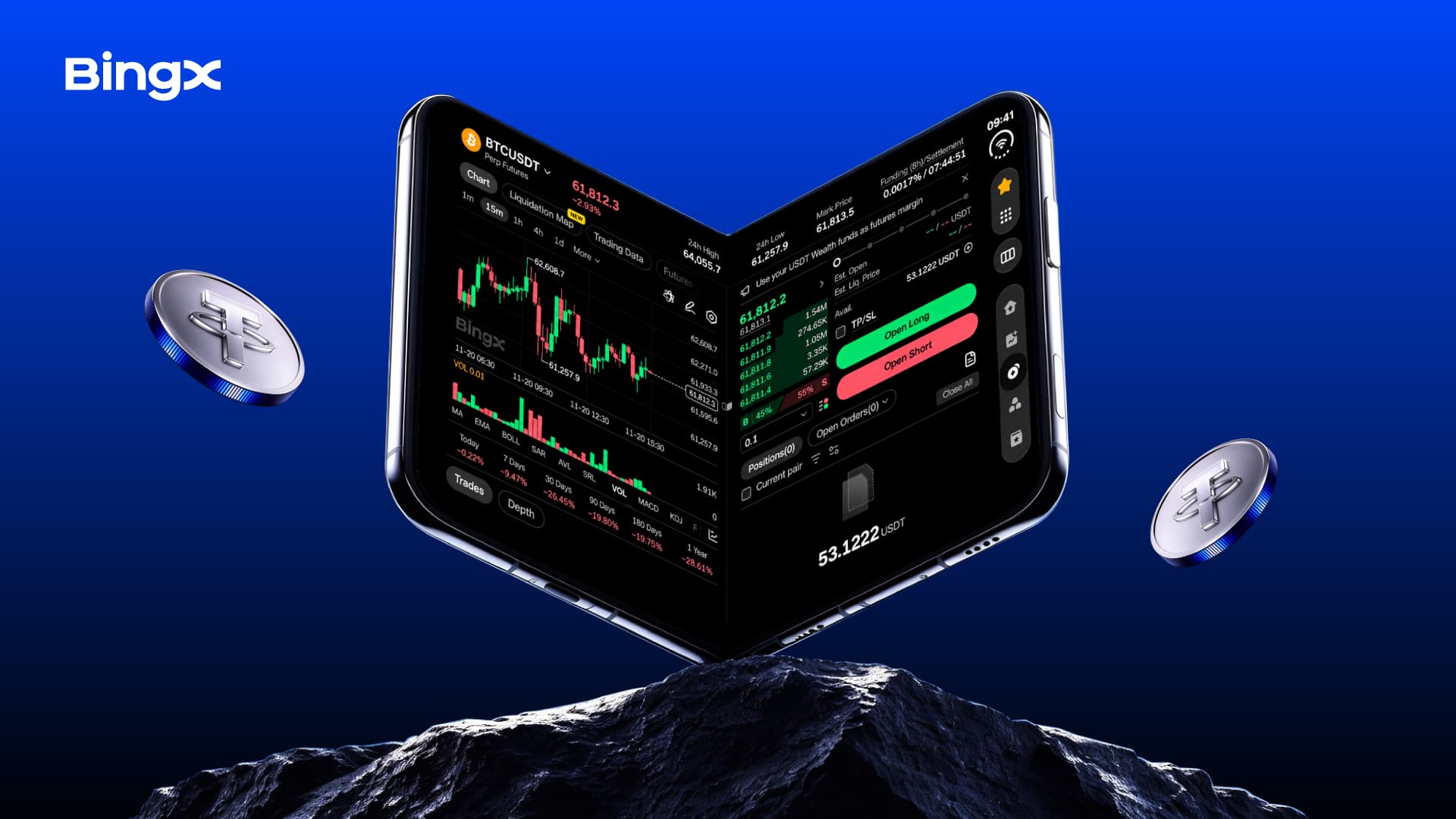
New devices attract attention. But a better trading experience takes more than slapping an existing app onto a larger screen. It means thinking carefully about how traders use that space: what they need to see, how they move between tools, and where they place an order.
Later. Better.
The wait is over. BingX's latest update for iPhone Duo is here.
BingX's Unfold the Market update introduces a thoughtfully designed futures trading experience, purpose-built for iPhone Duo’s expansive landscape display. With multiple layouts, more trading tools in one view, and flexible order panel placement, the update puts this new screen real estate to work for you.
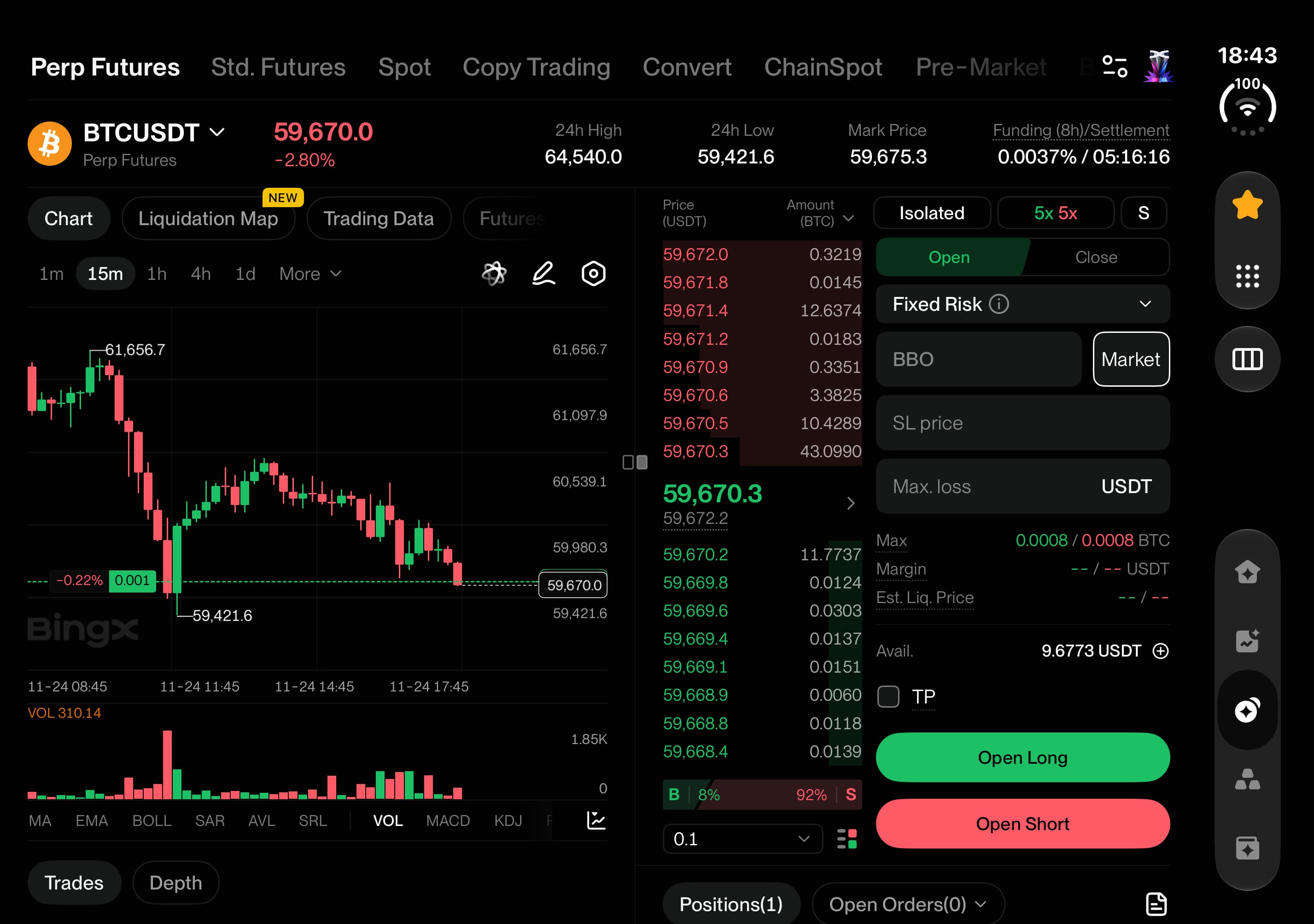
Multiple Layouts, Seamless Switching
Different trading tasks call for different views. Sometimes you need room to study a chart. At other times, you want market data and trading controls side by side.
The updated experience lets you switch seamlessly between Full-Chart, Two-Panel, and Three-Panel layouts. Choose the view that suits the task in front of you, then change it as your focus shifts.
The workspace adapts to your trading flow.
More of Your Trading Context in One View
Moving between pages can interrupt your focus, especially when you are checking several parts of a trade.
The new landscape experience brings charts, the order book, order entry, and positions onto one screen, reducing the need for page transitions. You can follow price action, review the order book, prepare an order, and monitor positions with more context in view.
Each part of the workspace supports the same goal: making the information and controls you need easier to access.
Your Workspace, Your Way
A useful layout should also feel comfortable to use.
You can move the order panel to the left or right, matching its placement to your trading preferences. It is a simple adjustment that gives you more control over how your workspace is arranged.
More Room for Charts. Trading Within Reach.
When chart analysis is your priority, Full-Chart mode maximizes chart visibility so you can focus on price action.
Whenever you are ready to place an order, pull up the order panel directly from that view. You can move from analysis to order entry while keeping the chart central to the experience.
Built Around How You Trade
From switching layouts and viewing multiple modules to repositioning the order panel and trading from Full-Chart mode, this update makes fuller use of the landscape display. The experience also supports portrait mode as you change how you hold your device.
We do not chase hype. We focus on what a new format can make better for our users.
For BingX on iPhone Duo, that means more useful screen space, fewer page transitions, and a workspace you can shape around your trading preferences.
Unfold the Market. Make room for your way of trading.
